Shows / ModeLoop: Financial Modelling in Excel

ModeLoop: Financial Modelling in Excel
Practical financial modelling in Excel and AI-assisted workflows from ModeLoop, created by Samir Asadov, CFA. Learn how to define assumptions, build calculations and check the numbers through focused lessons and illustrative examples. Follow for financial-modelling techniques and the Financial Modelling with AI curriculum. Episodes use synthetic narration; hypothetical examples are identified in each description. Not financial advice.
The show, from its episodes
No episode notes yet. Recurring topics, people and starter picks will appear when notes are available.
Typical episode length
13m · median of 69 episodes with a known length
Solo / guest format
Unknown — existing notes name people mentioned, but do not identify hosts or guests.
Recurring topics
No recurring topics established yet.
Recurring people
No recurring people established yet.
Start here
No starter picks yet — no published episodes with audio and a recorded notes hook.
Episodes
- ModeLoop: Financial Modelling in Excel
Documentation and investment memos | P3E24
Turn model outputs into a clear investment memo. Separate evidence, assumptions and judgment, document the workbook version, and explain what still needs…
- ModeLoop: Financial Modelling in Excel
Accept the discount order?
A discounted order can look unprofitable under full-cost accounting yet add value with spare capacity. It can also show positive contribution while making the…
- ModeLoop: Financial Modelling in Excel
P3E23 - Reviewing someone else's model with AI
Review an inherited financial model before changing it: preserve the original, define the scope, map inputs to outputs and separate confirmed findings from…
- ModeLoop: Financial Modelling in Excel
Bigger margin, worse plan
The sales pitch sounds convincing. Product A earns sixty pounds per unit. Product B earns forty. Make A first, then use whatever capacity is left for B. It…
- ModeLoop: Financial Modelling in Excel
P3E22 - Audit AI output
A model says annual operating result is one hundred and forty-four thousand pounds. The monthly schedule says nine thousand pounds. Multiply nine by twelve and…
- ModeLoop: Financial Modelling in Excel
Close the branch? Check what changes | ModeLoop decision clinic
Standalone synthetic decision clinic: a reported £20,000 annual branch loss is not the saving from closure. Compare the cash flows that change over the agreed…
 ModeLoop: Financial Modelling in Excel
Scenarios and sensitivities with AI | P3E21
Synthetic annual teaching case: separate a coherent scenario from a sensitivity that holds stated inputs fixed. Base simplified operating result is £50,000…
 ModeLoop: Financial Modelling in Excel
Goal Seek versus Solver: a target is not a feasible plan | ModeLoop tool verdict
Standalone tool verdict using fictional checked examples. Goal Seek fits a one-input target question; Solver can represent a specified constrained optimisation…
 ModeLoop: Financial Modelling in Excel
AI in LBO and M&A model work: sponsor returns versus EPS | P3E20
Fictional teaching cases: keep sponsor cash returns separate from buyer earnings per share. All transaction figures are in millions of pounds unless stated…
 ModeLoop: Financial Modelling in Excel
Cheaper rate, larger cash bill | ModeLoop decision clinic
A standalone synthetic decision clinic: compare a 6% loan with a 3% gross arrangement fee against a 7% loan with no fee. Match £100,000 usable cash and three…
 ModeLoop: Financial Modelling in Excel
Sizing and sculpting debt to a DSCR target | P3E19
Synthetic teaching example: size and sculpt a three-year loan to a 1.50x DSCR target, then check the unpaid maturity balance. All figures and financing terms…
- ModeLoop: Financial Modelling in Excel
Excel formulas: 20-question quiz
A 20-question Excel formulas quiz for financial modelling. Choose A, B or C, take 10 seconds of quiet thinking time, then hear the worked answer.Covers…
- ModeLoop: Financial Modelling in Excel
Make or buy? 20-question quiz
This is a twenty-question make-or-buy quiz. All examples are synthetic. For each question choose A, B or C before the explanation. You have ten seconds of…
- ModeLoop: Financial Modelling in Excel
Five points is not five percent
Suppose you ask AI to explain a conversion forecast. The old conversion rate is twenty percent and the new scenario is twenty-five percent. An invented draft…
- ModeLoop: Financial Modelling in Excel
P3E18 | Revenue without double counting
A revenue forecast can look precise and still pay for the same electricity twice. In this lesson, we will connect energy, contract terms and prices before…
 ModeLoop: Financial Modelling in Excel
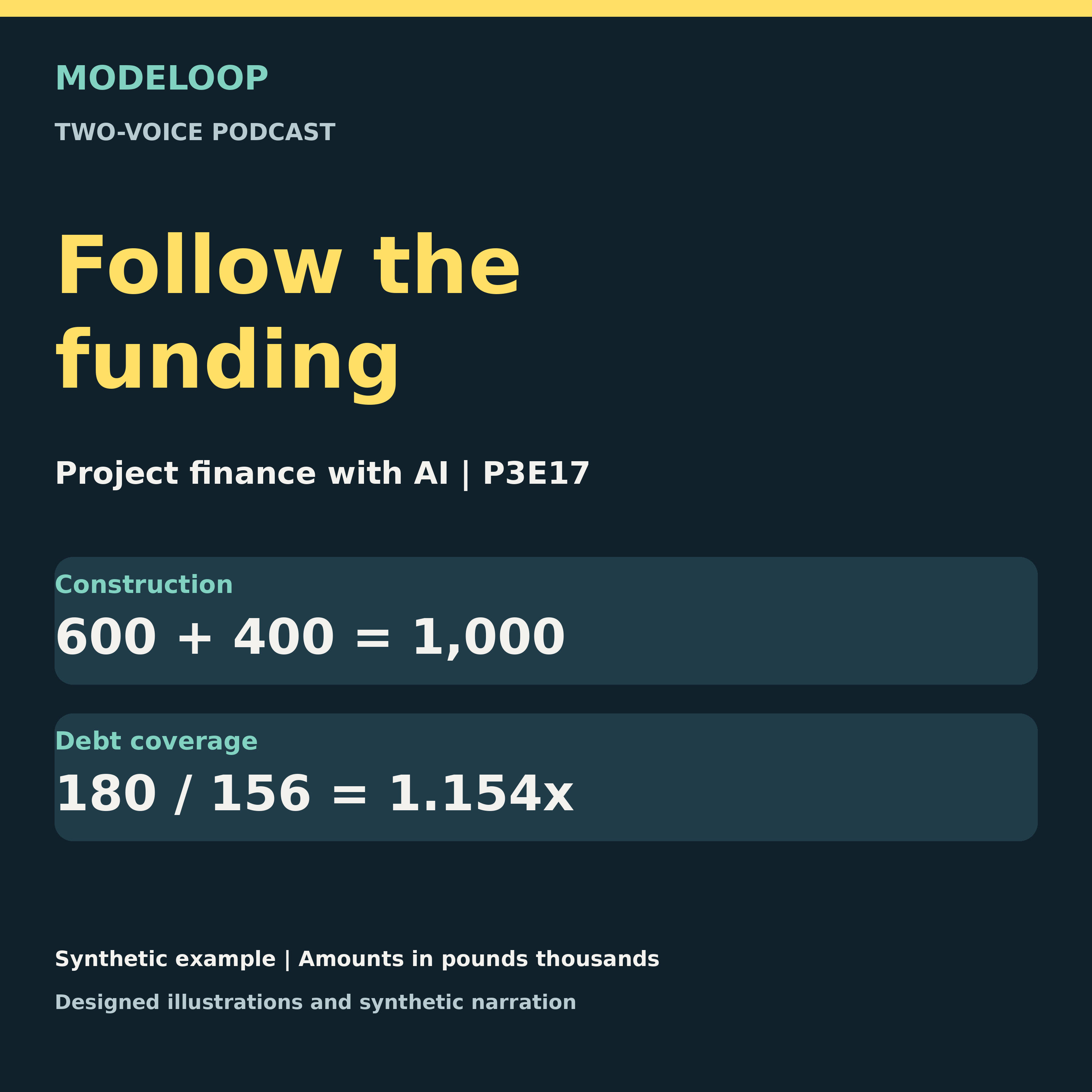
P3E17 | Project finance with AI: connect construction, operations and funding
Synthetic annual end-period project finance teaching case in pounds thousands, with two-voice synthetic narration. Connect one construction year to five…
 ModeLoop: Financial Modelling in Excel
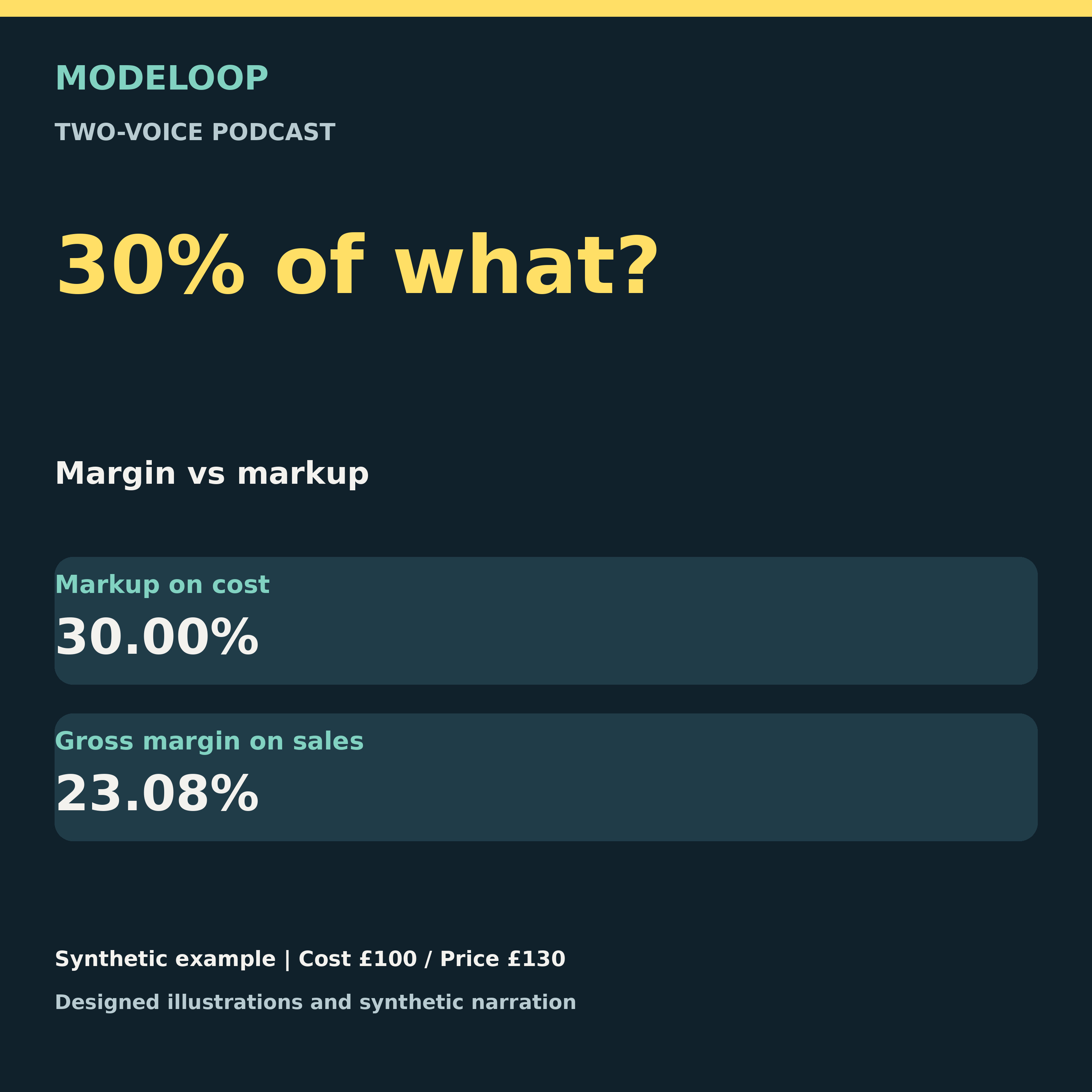
Margin vs markup: the denominator that changes the answer
Synthetic unit-cost teaching example, excluding VAT, with two-voice synthetic narration. Cost £100 and price £130 give £30 gross profit, 30% markup on cost and…
 ModeLoop: Financial Modelling in Excel
Revenue bridge explained: price vs volume variance
A revenue bridge should add back to the actual result. Follow a single-product example before drawing a business conclusion. In this episode: - Calculate the…
 ModeLoop: Financial Modelling in Excel
DCF with AI: check cash flows, WACC and terminal value
The most convincing DCF answer can still use the wrong timing. Follow a hypothetical valuation and review its assumptions. Financial Modelling with AI: Part 3…
 ModeLoop: Financial Modelling in Excel
Forecast precision: do more decimal places help?
A precise-looking forecast is not the same as a reliable forecast. Two teaching voices debate what the extra decimals tell you. In this episode: - Keep input…
 ModeLoop: Financial Modelling in Excel
3-statement model with AI: prove the cash-flow links
A balanced model can still contain the wrong cash-flow logic. Work through a synthetic one-month case. Financial Modelling with AI: Part 3, lesson 15. In this…
 ModeLoop: Financial Modelling in Excel
CAGR vs average growth: rebuild the endpoint
Does the growth answer actually reach the ending value? Use an endpoint check to distinguish three different measures. In this episode: - Separate total…
 ModeLoop: Financial Modelling in Excel
Financial model structure: plan before AI writes formulas
Before asking AI for formulas, give it a model it can follow. Start with scope and dependencies. Financial Modelling with AI: Part 3, lesson 14. In this…
- ModeLoop: Financial Modelling in Excel
Financial model assumptions: give every number a source
An assumption needs more than a plausible number. Build a record that another modeller can trace. Financial Modelling with AI: Part 3, lesson 13. In this…
- ModeLoop: Financial Modelling in Excel
Operating margin: why the average can mislead
Group margin can move even when each division keeps its own margin. Listen for the revenue weights. In this episode: - Calculate operating profit divided by…
- ModeLoop: Financial Modelling in Excel
Power Query and AI: reconcile your data refresh
A tidy dataset can still be the wrong dataset. Keep a bridge from raw rows to accepted inputs. Financial Modelling with AI: Part 3, lesson 12. In this episode…
- ModeLoop: Financial Modelling in Excel
Loan term vs total interest: the cheaper-payment trap
A lower monthly payment need not mean a lower total bill. Compare two hypothetical amortising loans. In this episode: - Keep principal and rate conventions…
- ModeLoop: Financial Modelling in Excel
Annual reports to model inputs: an AI extraction checklist
A number copied from a PDF is only a candidate input. Keep the evidence that makes it usable. Financial Modelling with AI: Part 3, lesson 11. In this episode…
- ModeLoop: Financial Modelling in Excel
Python in Excel: define, test and reconcile model checks
An independent benchmark makes a model check more useful. Follow a synthetic four-month revenue case. Financial Modelling with AI: Part 3, lesson 10. In this…
- ModeLoop: Financial Modelling in Excel
Profit vs cash flow: spot the working-capital error
Why can profit rise while cash falls? Follow the working-capital bridge in a synthetic teaching case. In this episode: - Trace receivables. - Trace inventory…
- ModeLoop: Financial Modelling in Excel
Price cuts and profit: can 10% lower prices pay off?
A 10% price cut and 10% more units do not automatically preserve profit. Keep the targets distinct. In this episode: - Calculate revenue recovery separately. -…
- ModeLoop: Financial Modelling in Excel
PolyMind, Ep.1: Polymarket alerts with AI analysis
What does PolyMind put behind a prediction-market alert? This companion episode explains the product’s signal groups. In this episode: - Understand the app’s…
- ModeLoop: Financial Modelling in Excel
AI in finance: what the analyst still needs to check
Which parts of finance work can move to AI, and which decisions stay with the analyst? Follow one worked illustration. In this episode: - Separate assistance…
 ModeLoop: Financial Modelling in Excel
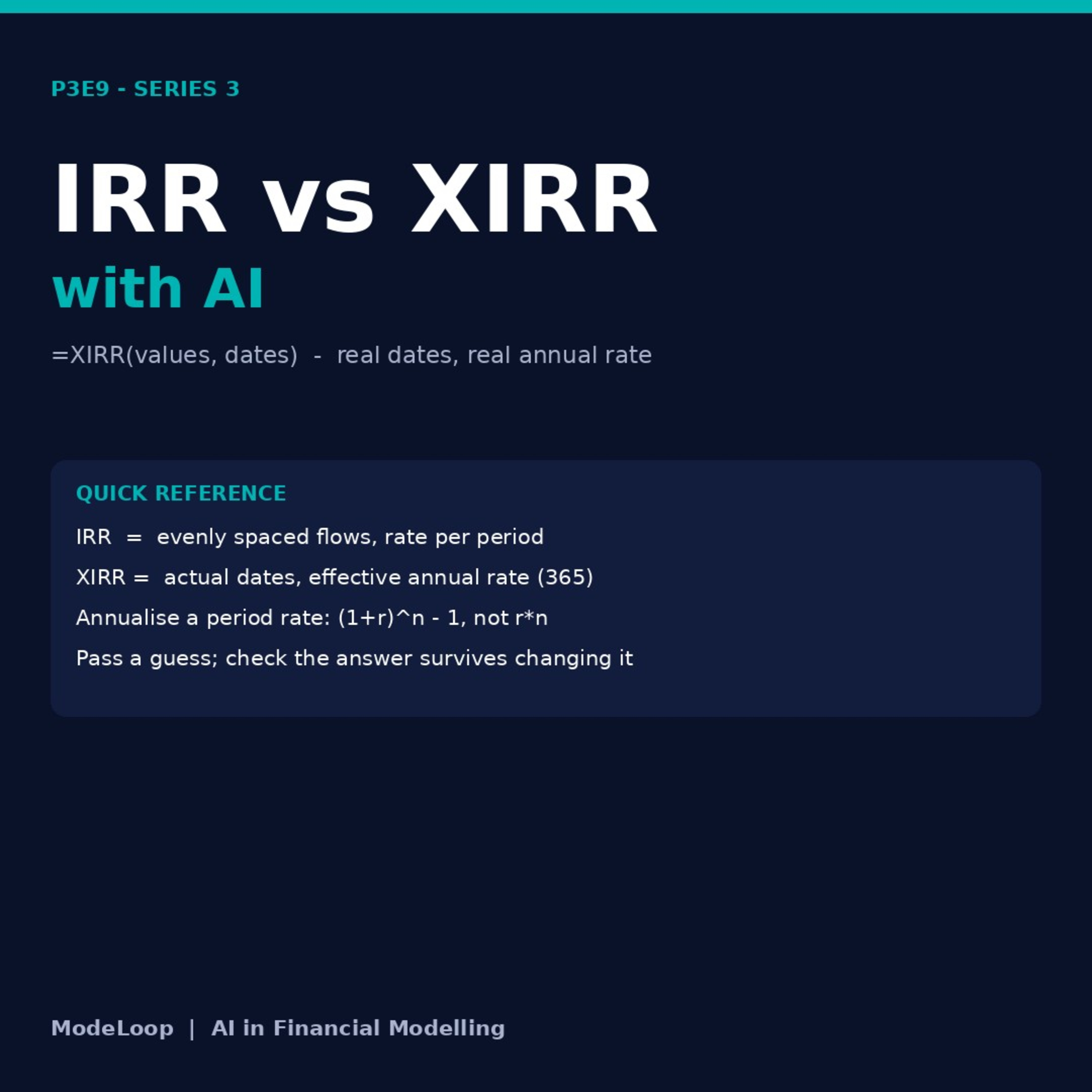
IRR vs XIRR in Excel: dates, periods and return checks
The return number depends on the cash-flow convention. Decide whether equal periods or actual dates describe the case. Financial Modelling with AI: Part 3…
 ModeLoop: Financial Modelling in Excel
AI-written VBA macros: test safely on a workbook copy
A macro can change the wrong workbook. Treat AI-written VBA as code to review and test, not code to trust automatically. Financial Modelling with AI: Part 3…
 ModeLoop: Financial Modelling in Excel
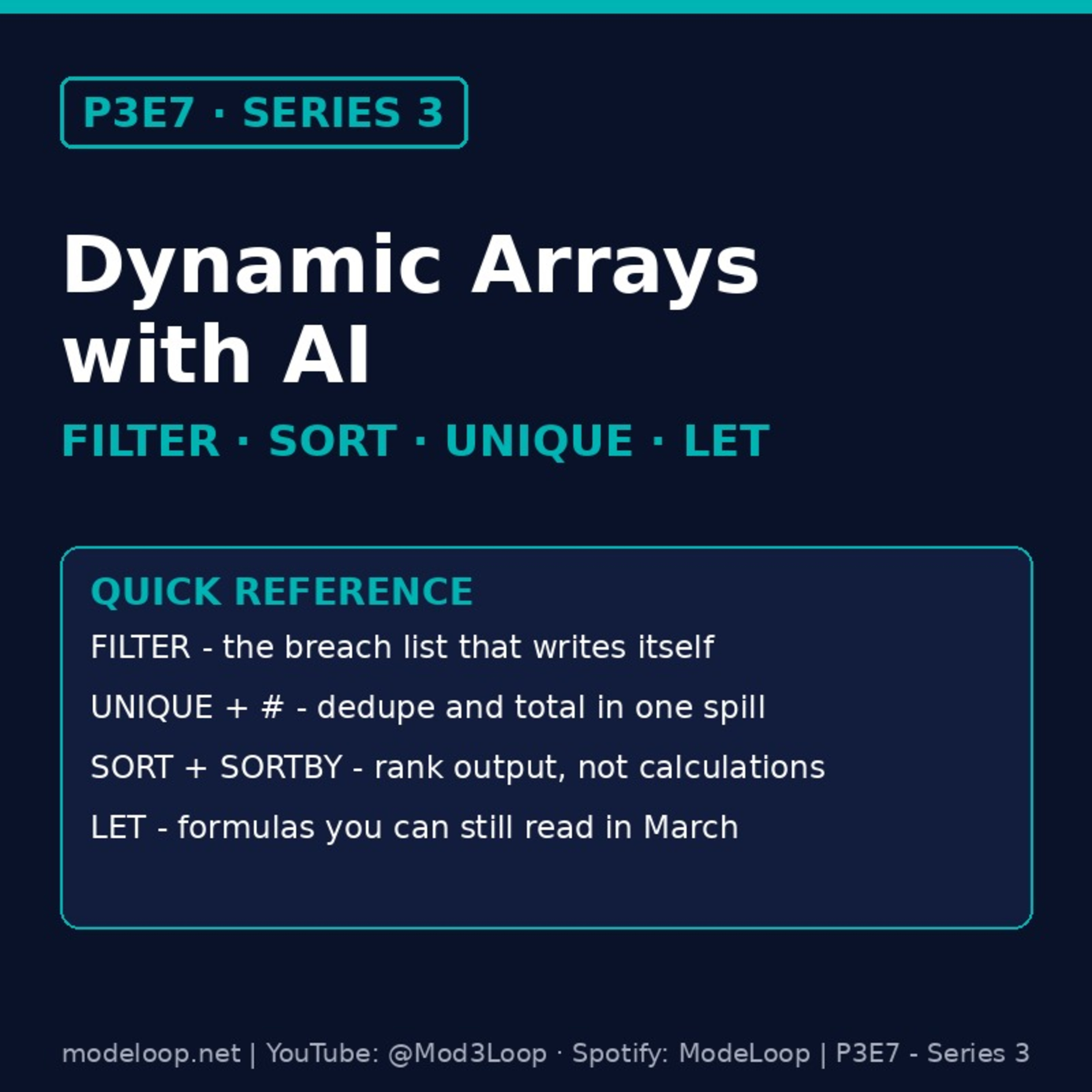
Excel dynamic arrays: FILTER, SORT, UNIQUE and LET
Spilled formulas need clear inputs and edge-case rules. Follow a small financial-modelling project table. Financial Modelling with AI: Part 3, lesson 7. In…
- ModeLoop: Financial Modelling in Excel
Excel LAMBDA with AI: build and test custom functions
A reusable Excel function still needs visible logic and known-answer tests. Follow the project-finance examples in this lesson. Financial Modelling with AI…
- ModeLoop: Financial Modelling in Excel
P3E5: AI for Complex Excel Formulas: Write and Explain Formulas That Work
AI can write and explain complex Excel formulas for financial models, but only if you give it the logic first. This lecture shows how to describe a calculation…
- ModeLoop: Financial Modelling in Excel
P3E4: Using AI on Confidential Deal Models - How to Avoid Leaking Client Data
Using AI on confidential deal models is safe only if you control what leaves your machine. This lecture shows how financial modellers can use Claude, ChatGPT…
- ModeLoop: Financial Modelling in Excel
P3E3: Prompting for Modellers - How to Ask AI for Excel Formulas That Actually Work
AI prompts for Excel formulas only work when the AI knows your model: the layout, the sign convention, the timing and the Excel version. This lecture gives you…
- ModeLoop: Financial Modelling in Excel
P3E2: Choosing Your AI Toolkit - Claude, ChatGPT, Copilot in Excel and Gemini Compared
Claude vs ChatGPT vs Copilot in Excel vs Gemini for financial modelling: which AI should you actually use? The tool matters less than where it sits relative to…
- ModeLoop: Financial Modelling in Excel
P3E1: AI in Financial Modelling - What Claude, ChatGPT and Copilot Can and Can't Do
AI in financial modelling: what Claude, ChatGPT, Copilot in Excel and Gemini can already do for your Excel models, and where they still fail. The first episode…
- ModeLoop: Financial Modelling in Excel
P2E17: Excel Charts for Financial Models - Visualise Your Financial Data Effectively
Charting essentials for financial models in Excel: how to pick the right chart for the question, build charts that update with every scenario, and format them…
- ModeLoop: Financial Modelling in Excel
P2E16: Goal Seek and Solver in Excel - Work Backwards to the Answer You Need
Goal Seek and Solver in Excel let your financial model work backwards from the answer you need: the breakeven price, the bid tariff that hits the hurdle IRR…
- ModeLoop: Financial Modelling in Excel
P2E15: Data Tables in Excel for Sensitivity Analysis - Test Hundreds of Scenarios in One Grid
Data Tables in Excel for sensitivity analysis let you test hundreds of scenarios in one grid without touching your base case. We build one-variable and…
- ModeLoop: Financial Modelling in Excel
P2E14: PivotTables in Excel for Financial Analysis - Summarise 40,000 Rows in Seconds
PivotTables in Excel for financial analysis turn a 40,000-row ledger or generation export into a clear summary in seconds, with the ability to drill back to…
- ModeLoop: Financial Modelling in Excel
P2E13: Named Ranges in Excel for Financial Models - Formulas That Read Like English
Named ranges in Excel for financial models turn cryptic cell coordinates into formulas that read like English: =CFADS/Debt_Service instead of =F45/$D$18…
- ModeLoop: Financial Modelling in Excel
P2E12: Conditional Formatting in Excel for Financial Models - Flag Breaches & Errors
Conditional formatting in Excel for financial models turns a grid of numbers into a model that points at its own problems: covenant breaches, broken balance…
- ModeLoop: Financial Modelling in Excel
Excel Data Validation for Financial Models: Drop-Down Menus & Input Controls (P2E11)
Excel data validation is the cheapest insurance in any financial model: it controls what goes into your input cells before a bad entry breaks something. This…
 ModeLoop: Financial Modelling in Excel
IRR vs XIRR vs NPV in Excel: Investment Return Calculations (P2E10)
NPV, IRR and XIRR are the Excel functions behind every investment return calculation, from DCF valuation and LBO equity returns to solar and wind project…
 ModeLoop: Financial Modelling in Excel
Excel Date Functions for Financial Models: EOMONTH, EDATE, YEARFRAC (P2E8)
The four Excel date functions every financial modeller needs: DATE, EOMONTH, EDATE and YEARFRAC. Learn how Excel stores dates, how to build dynamic period…
 ModeLoop: Financial Modelling in Excel
XLOOKUP for Financial Models: Replace VLOOKUP & INDEX MATCH (P2E9)
XLOOKUP is the modern Excel function that replaces VLOOKUP, HLOOKUP and most INDEX MATCH patterns with one clean formula. This lecture covers the full syntax…
 ModeLoop: Financial Modelling in Excel
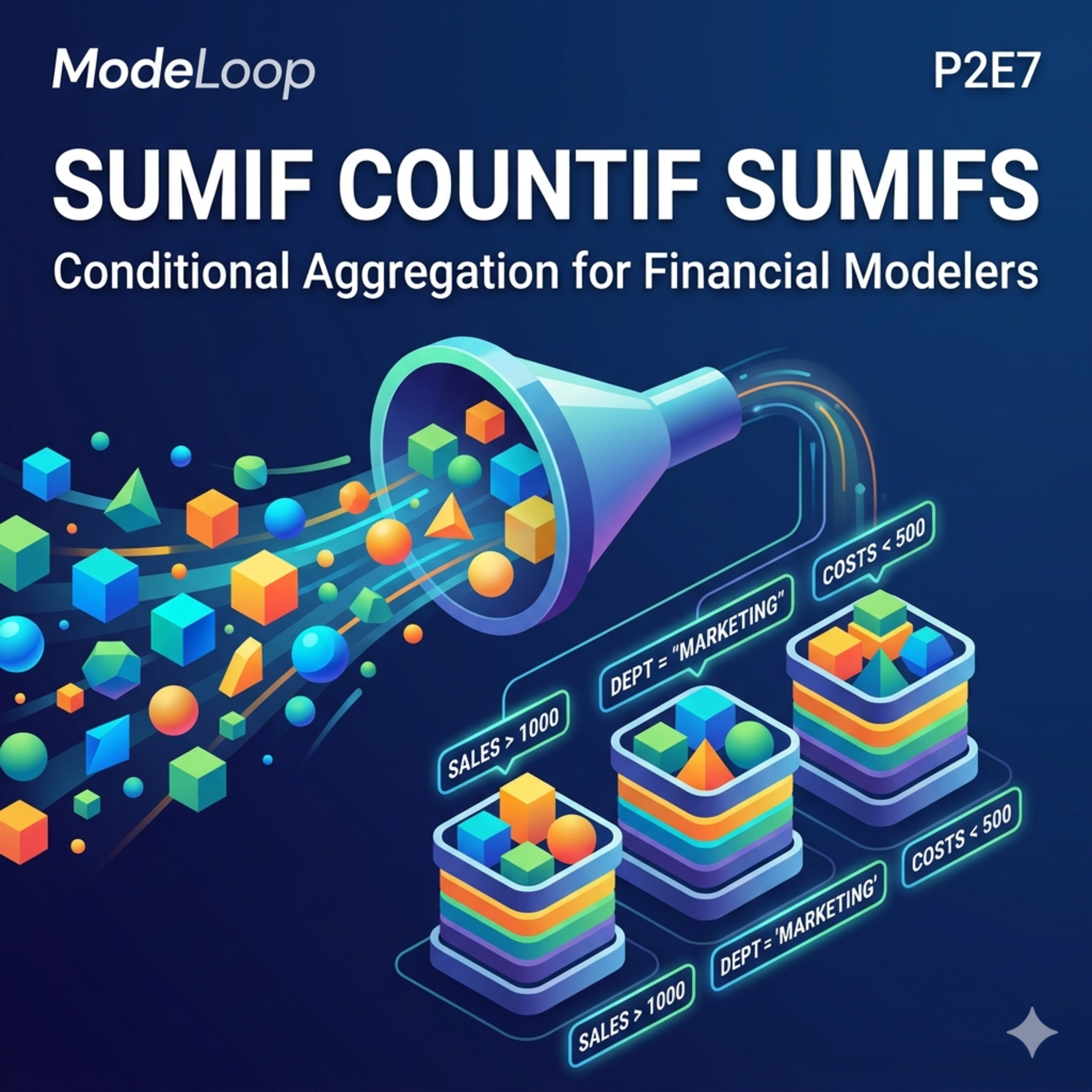
SUMIF, SUMIFS & COUNTIF in Excel for Financial Models (P2E7)
Stop totalling rows by hand. This lecture covers SUMIF, SUMIFS, COUNTIF, COUNTIFS and AVERAGEIFS, the conditional aggregation functions every financial…
 ModeLoop: Financial Modelling in Excel
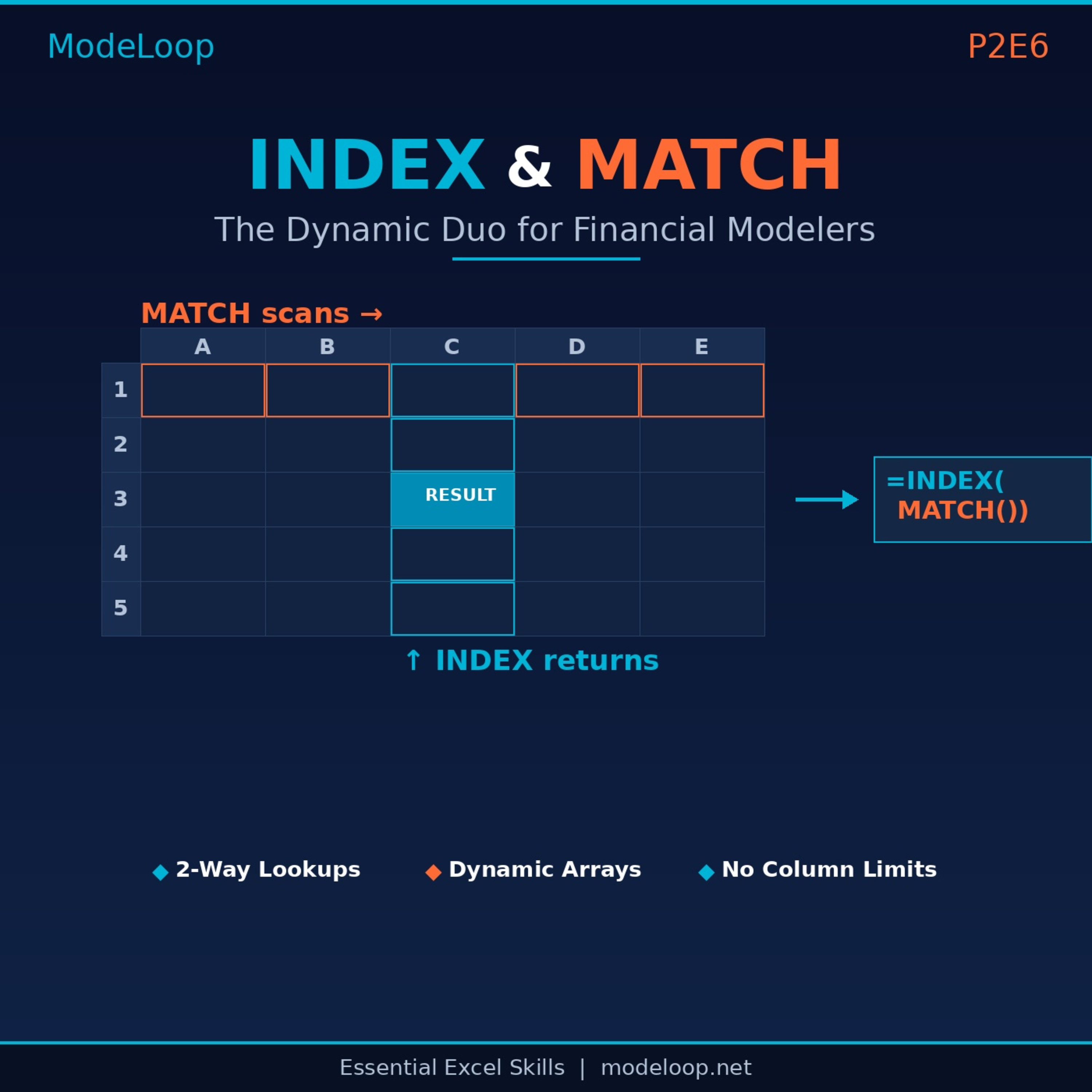
INDEX MATCH in Excel: The Flexible Lookup for Financial Models (P2E6)
INDEX MATCH is the most flexible lookup pattern in Excel for financial modelling. This lecture explains INDEX and MATCH on their own, how they combine, and how…
 ModeLoop: Financial Modelling in Excel
VLOOKUP vs XLOOKUP in Excel: Lookup Functions for Financial Models (P2E5)
VLOOKUP vs XLOOKUP: which lookup function should you use in a financial model? This lecture covers VLOOKUP syntax and examples, the five limitations that can…
 ModeLoop: Financial Modelling in Excel
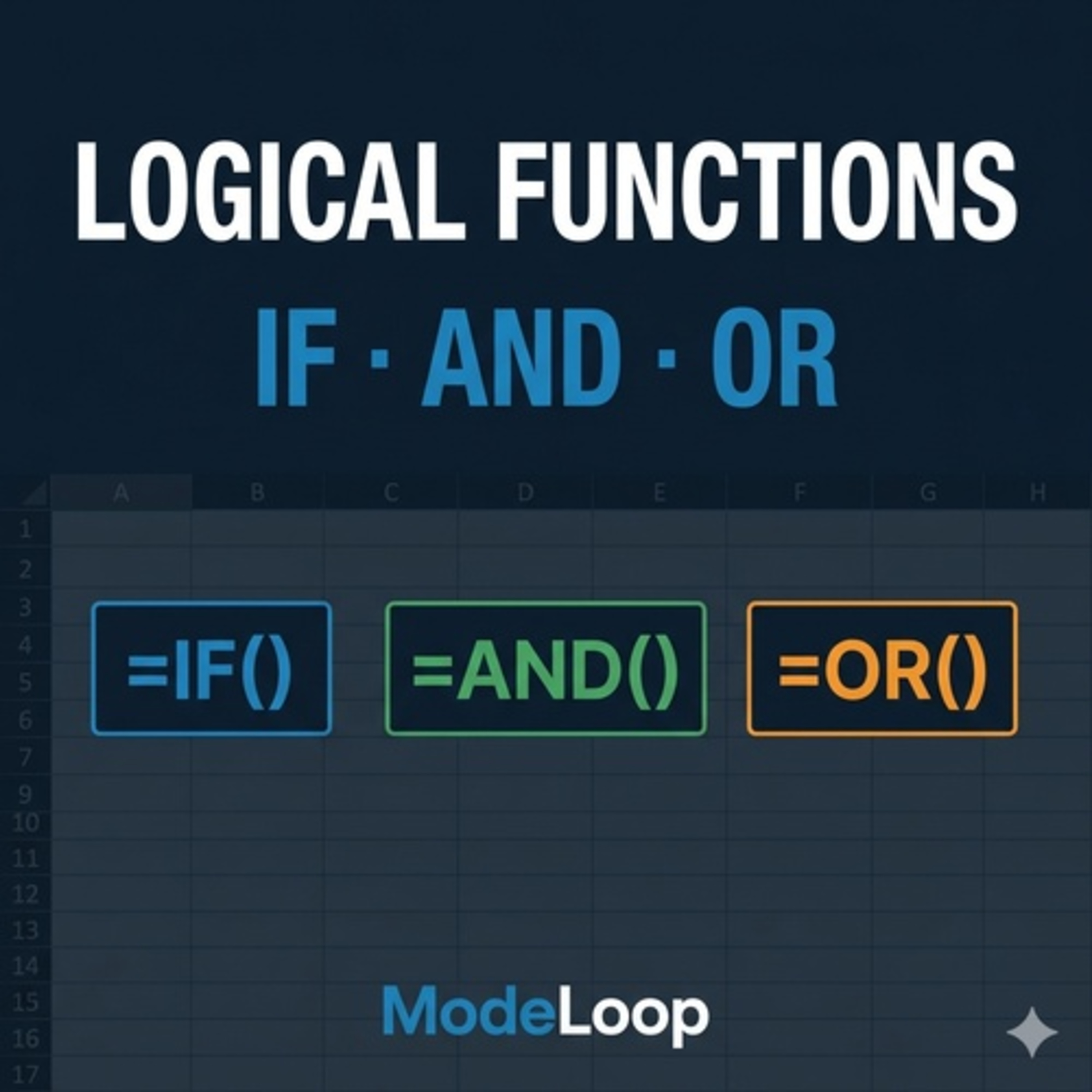
Excel IF, AND, OR Functions for Financial Modelling (P2E4)
Master Excel's IF, AND and OR functions and combine them to build models that react to real financial conditions: covenant tests, distribution locks, flags and…
 ModeLoop: Financial Modelling in Excel
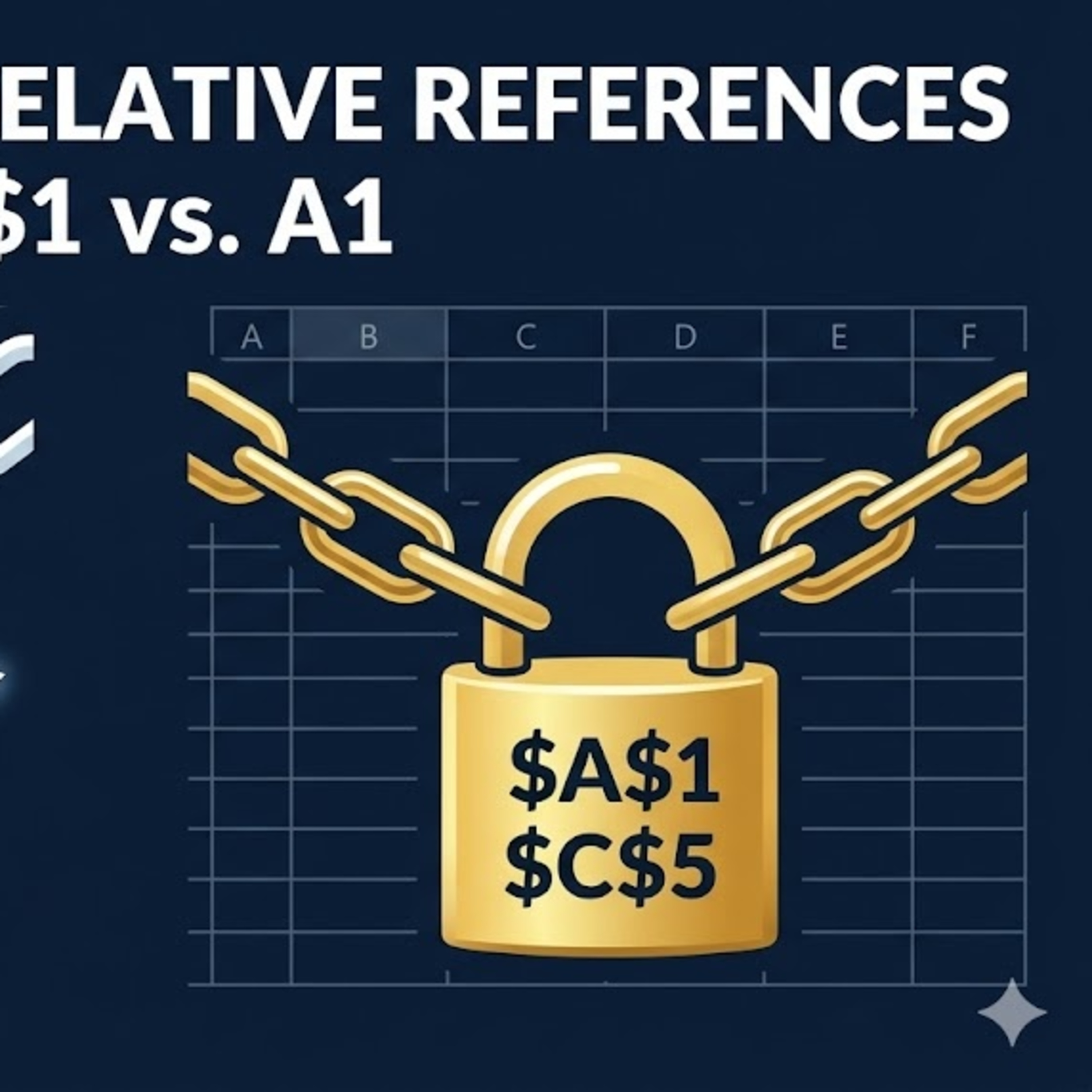
Absolute vs Relative References in Excel ($A$1 vs A1) for Financial Models (P2E3)
Absolute vs relative cell references ($A$1 vs A1) is the single most important Excel concept for financial modelling. Get it wrong and formulas break silently…
 ModeLoop: Financial Modelling in Excel
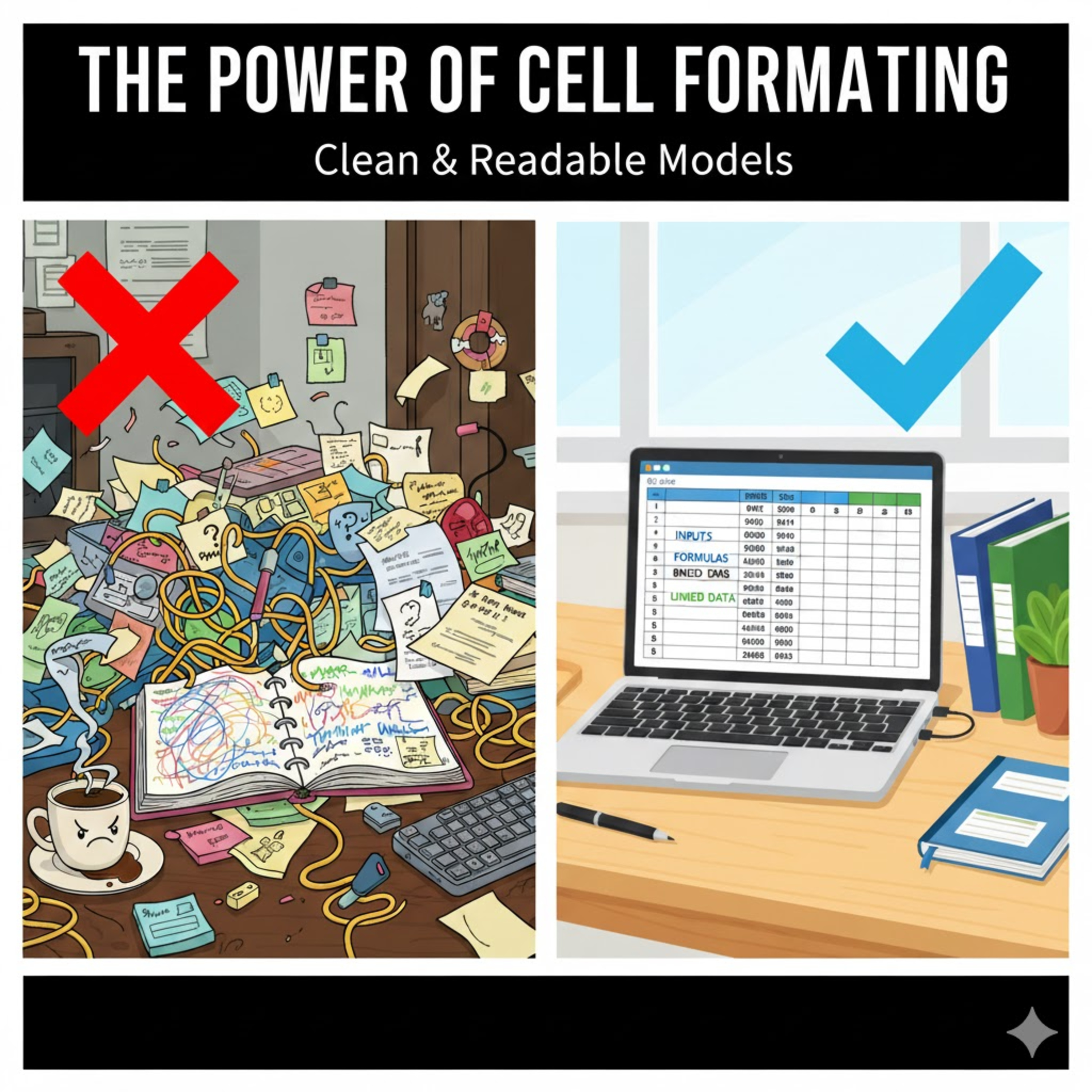
Excel Formatting for Financial Models: Colour Coding & Number Formats (P2E2)
Good formatting makes a financial model clear, trustworthy and easy to audit. These conventions are the financial modelling best practices behind every…
 ModeLoop: Financial Modelling in Excel
15 Excel Shortcuts for Financial Modelling That Save Hours (P2E1)
15 Excel keyboard shortcuts every financial modeller should know. Learn to jump around large models, select whole rows and columns, and switch between…
 ModeLoop: Financial Modelling in Excel
Financial Modelling Glossary: DCF, EBITDA, 3-Statement Model & More (P1E10)
A plain-English glossary of the financial modelling terms you need to know: three-statement model, DCF, EBITDA, WACC, NPV, IRR, sensitivity analysis, GIGO and…