Latest / Practical AI Visual Creation Ideas with Vidou.ai
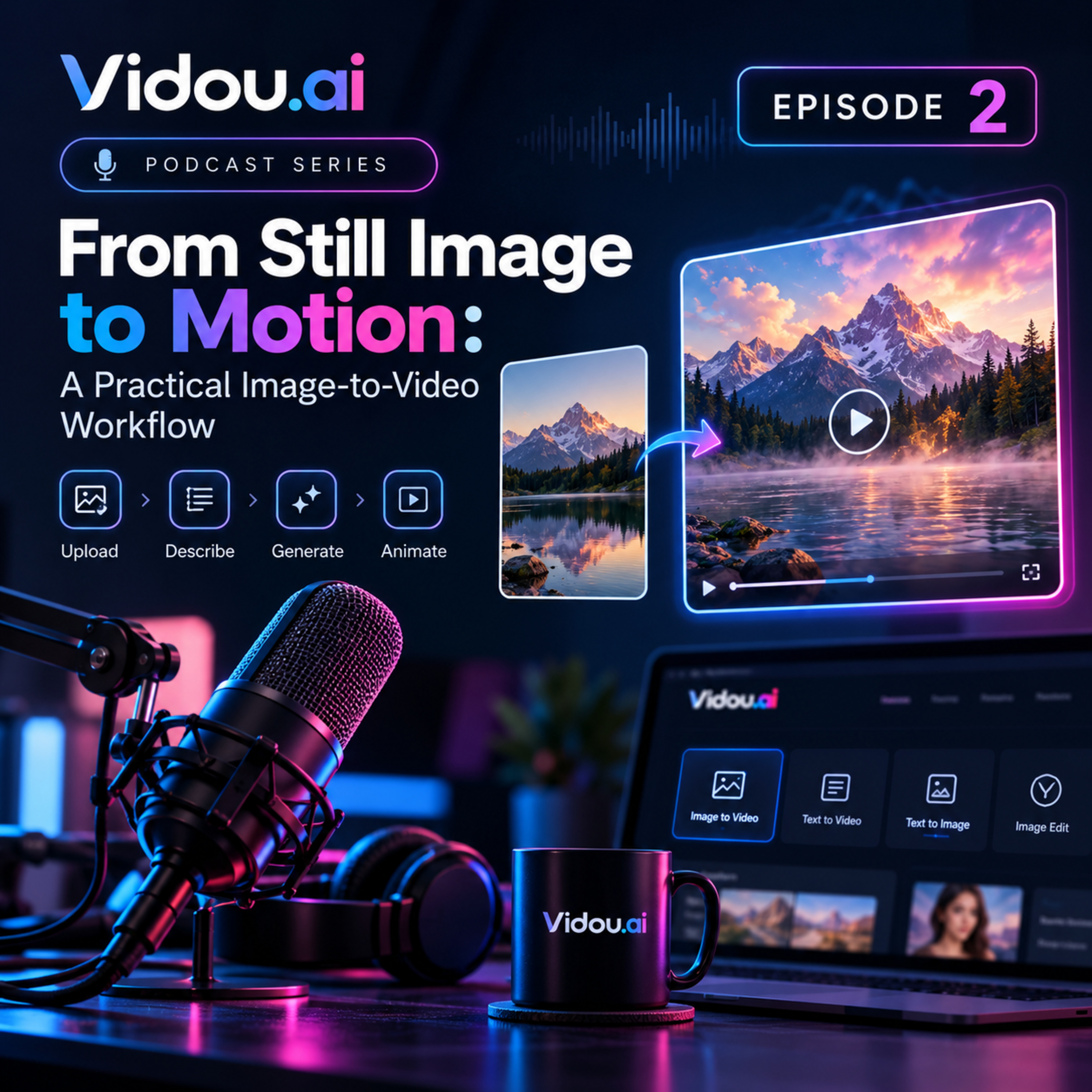
From Still Image to Motion: A Practical Image-to-Video Workflow
Turning a still image into a short moving sequence is no longer only a post-production task. In this episode, we explore the creative thinking behind image-to-video workflows: how to choose a strong source image, describe motion clearly, and avoid asking for too many changes at once.
The starting image matters because motion has to build on what is already visible. A clean subject, readable composition, and clear foreground and background give the motion prompt a better foundation. Before writing a prompt, decide what should move and what should stay stable. For example, you might want a slow…
Read the full description
camera push toward a product, gentle movement in clothing or hair, drifting clouds in a landscape, or a subtle lighting change that adds atmosphere without distracting from the main subject.
Prompting also works better when the request is specific. Instead of simply saying “make this cinematic,” describe the action you want to see. Think in terms of subject movement, camera movement, environmental motion, pace, and mood. A focused instruction is easier to evaluate and refine than a long prompt containing several unrelated effects.
We also discuss why experimentation should be intentional. If a result feels too busy, reduce the number of moving elements. If the scene feels flat, try adding one controlled camera direction or one atmospheric detail. Small changes can make it easier to understand which instruction caused the visual difference. This approach is useful for creators preparing social posts, concept visuals, presentation material, website graphics, or early creative tests before a larger production.
An important part of responsible AI-assisted creation is using source material you have the right to use. When people, brands, artwork, or copyrighted material appear in an image, make sure you have the necessary permission and avoid creating misleading or deceptive representations. AI tools can support creative experimentation, but the creator is still responsible for the source material, context, and final use.
If you want to explore a browser-based workflow after listening, you can visit the resource mentioned in this episode: Image to video. Vidou.ai is an AI-powered visual creation platform that includes an image-to-video workflow where users can upload a static image and describe the desired motion in natural language.
Another useful habit is to save the wording of prompts that produce a direction you like. That gives you a personal reference for future projects and helps you separate repeatable creative choices from one-off experiments. It can also make collaboration easier when several people are reviewing the same visual concept.
The main takeaway is simple: better image-to-video results start with a clear visual idea. Choose a suitable source image, define one main motion goal, describe it plainly, review the result, and refine one variable at a time. This makes the process easier to control and turns experimentation into a repeatable creative workflow rather than a random series of prompts.
This episode is educational and does not promise a specific output, performance result, or platform outcome. Always review the current terms and usage requirements of any AI service before publishing or commercially using generated material.
Short listen plan
No short plan yet. We need saved quotes in chapters with known start and end times, backed by a timed transcript.
The skinny
The skinny isn't ready yet — notes appear once the transcript is processed.