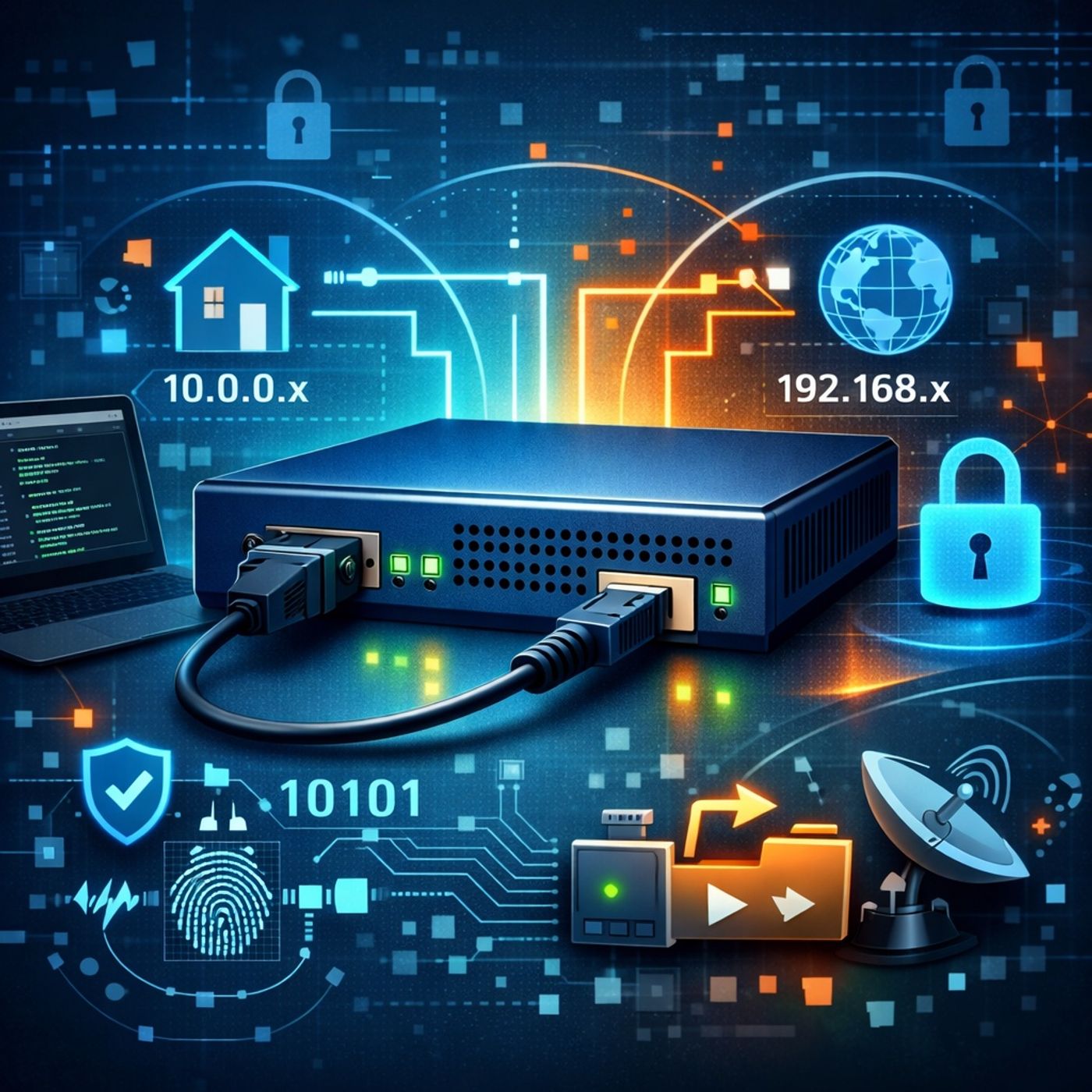
Course 18 - Evading IDS Firewalls and Honeypots | Episode 2: Configuring a Cisco PIX Firewall to Establish a Secure Enclave
In this lesson, you’ll learn about:
Initializing and Configuring a Cisco PIX Firewall:
Physical and software setup: connecting to the RS232 console port via USB-to-serial adapter and using Putty.
Navigating the Cisco IOS CLI: moving from basic prompts to privilege mode and the configuration environment (config t).
Administrative tasks:
Checking existing configurations with show configure.
Creating local user accounts and setting privilege levels.
Naming and managing interfaces, identifying Ethernet 0 as "outside" (WAN) and Ethernet 1 as "inside" (internal network).
Network Architecture and…
The skinny
The skinny isn't ready yet — notes appear once the transcript is processed.