Course 40 - Web Scraping with Python | Episode 36: Comprehensive Element Locating and Advanced Webpage Navigation
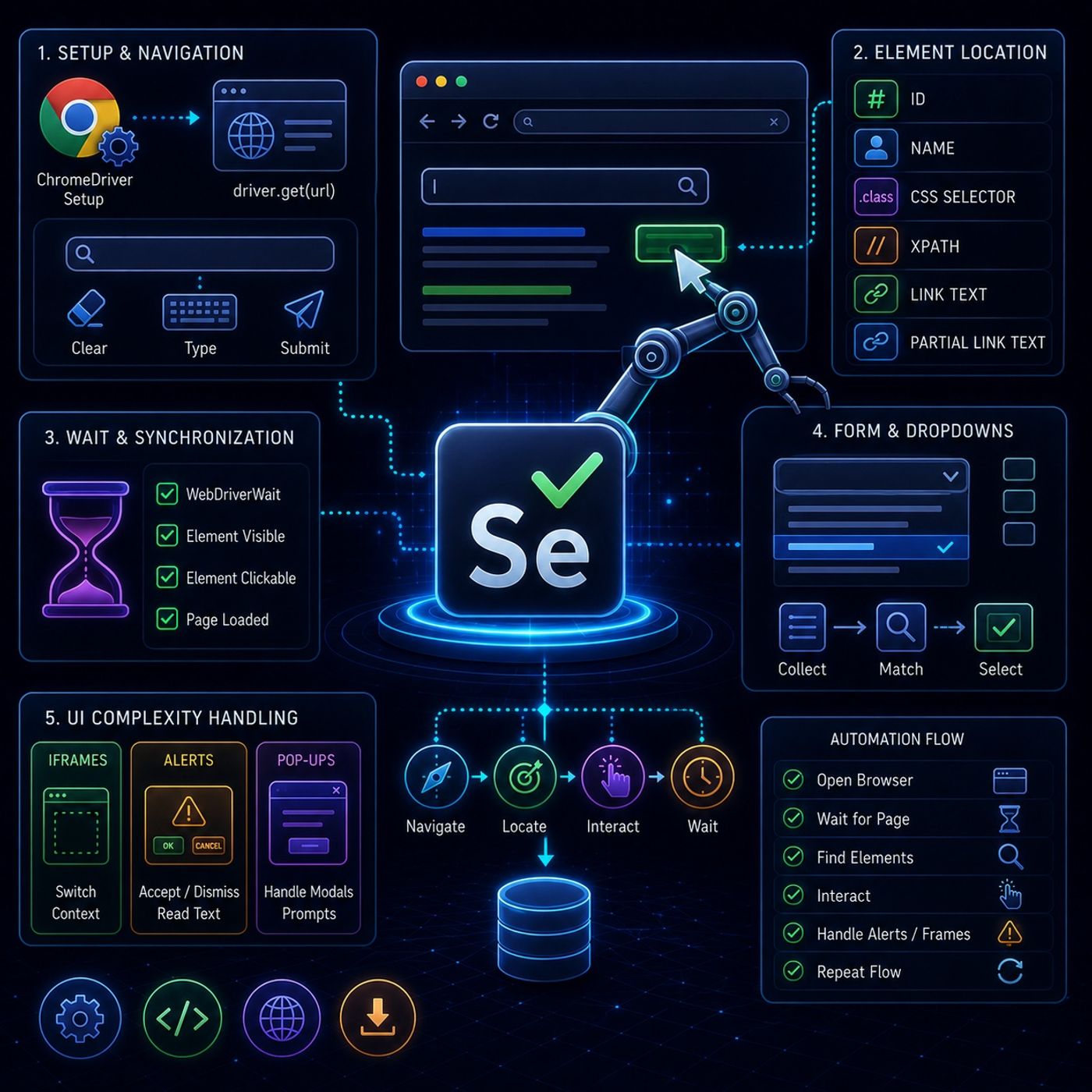
This tutorial series is basically showing how Selenium moves from “clicking elements” into real-world browser automation, where pages are messy, slow, and full of UI traps.🧭 1. Core Setup + Basic NavigationEverything starts with controlling the browser:
ChromeDriver setup
Acts as the bridge between Python and Chrome
driver.get(url)
Opens a webpage inside the automated browser session
Once the page loads, the first interactions usually target simple inputs like search bars.✍️ Basic interaction flowTypical steps:
locate input field
clear existing text
send new text using keyboard input
submit…
The skinny
The skinny isn't ready yet — notes appear once the transcript is processed.